Glitch Art: From Broken VHS Tapes to Digital Aesthetics
The history of glitch effects, from VHS tape distortion to digital corruption. Learn what causes these artifacts and how to create glitch effects with real-time shaders.
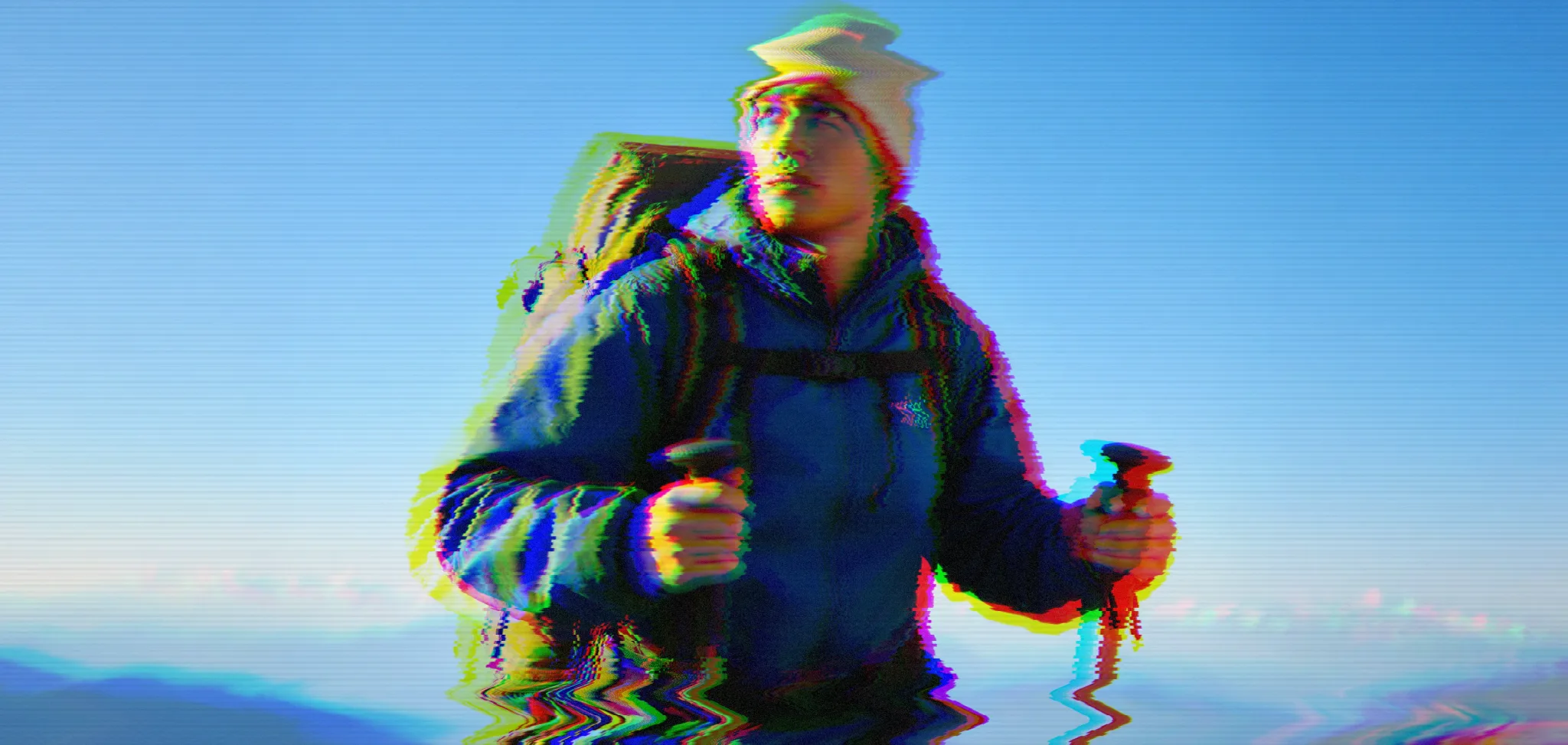
That tracking line on your old VHS copy of Jurassic Park. The scrambled image when you accidentally kicked the cable box. The corrupted JPEG that won't load properly.
Glitches.
For decades, these were mistakes. But somewhere along the way, they became something people sought out—nostalgia for VHS tapes that wore thin with every rewatch, for MP3s off Limewire that cut out at the bridge, for when media was physical and fragile. Though most people drawn to this look never experienced any of that. Never rewound a tape or watched a corrupted AVI stutter in RealPlayer. For them it's not nostalgia—just a vibe, a fascination with an era they only know secondhand. Doesn't matter. The look works either way.
The analog age: VHS and CRT
Before digital, video lived on magnetic tape. VHS stored information as magnetic patterns, and any disruption—worn tape, dirty heads, bad tracking—created visual chaos.
The classic VHS glitch has a specific look:
Horizontal distortion bars move up or down the screen when the video head loses sync with the tape. The image tears as one part shows a different frame than another.
RGB separation occurs because color and brightness are recorded separately. When one gets delayed or corrupted, you get red and blue fringing.
Scanlines come from CRT displays, not the tape. Cathode ray tubes drew images line by line, and the gaps were visible up close. Combined with phosphor glow, this created the warm, fuzzy look we associate with old TV.
Noise and snow appear when the signal degrades—the TV showing you electromagnetic interference where the signal should be.
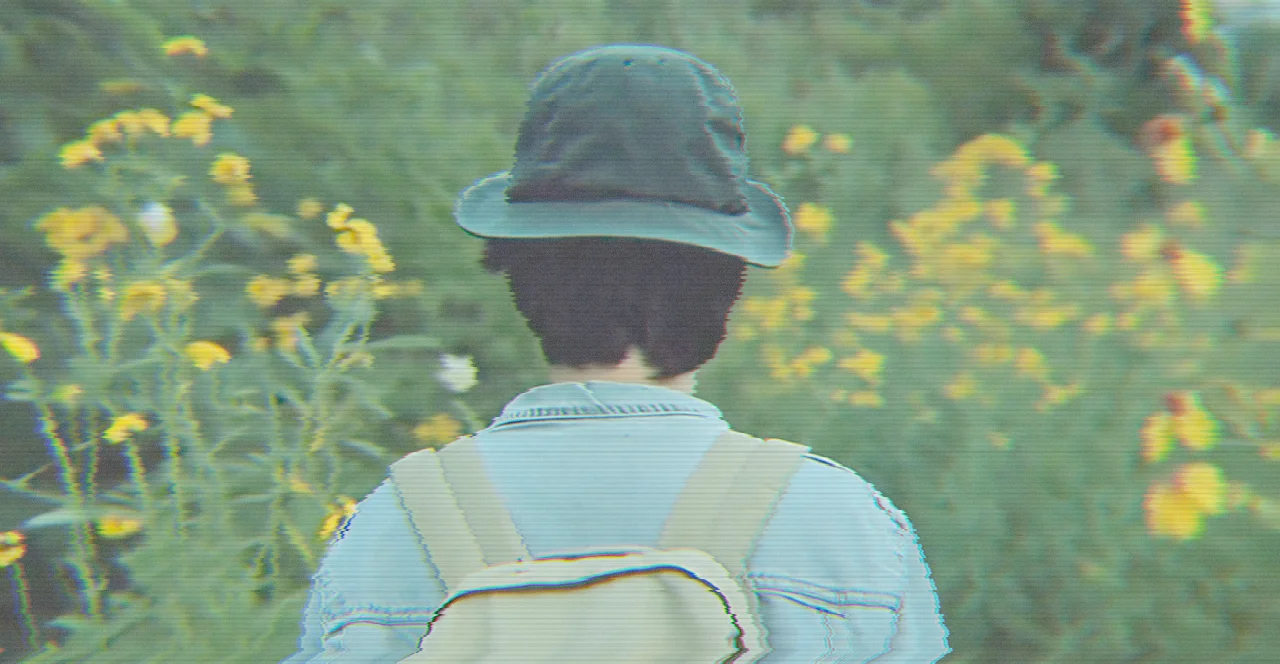
Classic analog tape distortion with scanlines and RGB shift
Try VHS glitch effect
Why VHS looks the way it does
VHS used helical scanning—two rotating heads reading diagonal stripes across the tape. This is why tracking problems create horizontal bands, not vertical ones.
The color limitation was deliberate. NTSC allocated most bandwidth to brightness (luminance) because human eyes are more sensitive to detail than color. Chrominance was compressed aggressively, which is why VHS color bleeds and shifts so easily.
// VHS-style vertical bar distortion
// Simulates tracking errors where sections of the image shift horizontally
for (float i = 0.0; i < 0.71; i += 0.1313) {
  float d = mod(time * i, 1.7);
  float o = sin(1.0 - tan(time * 0.24 * i));
  texCoord.x += verticalBar(d, texCoord.y, o * distortion);
}
Multiple overlapping distortion waves drifting at different speeds—just like real tracking problems, where different sections of tape are misaligned differently.
The digital age: new kinds of broken
Digital glitches look nothing like analog ones. VHS distorts continuously; digital fails in blocks.
Digital video uses compression—divided into macroblocks, typically 16x16 pixel squares, compressed together. When data corrupts, entire blocks go wrong at once.
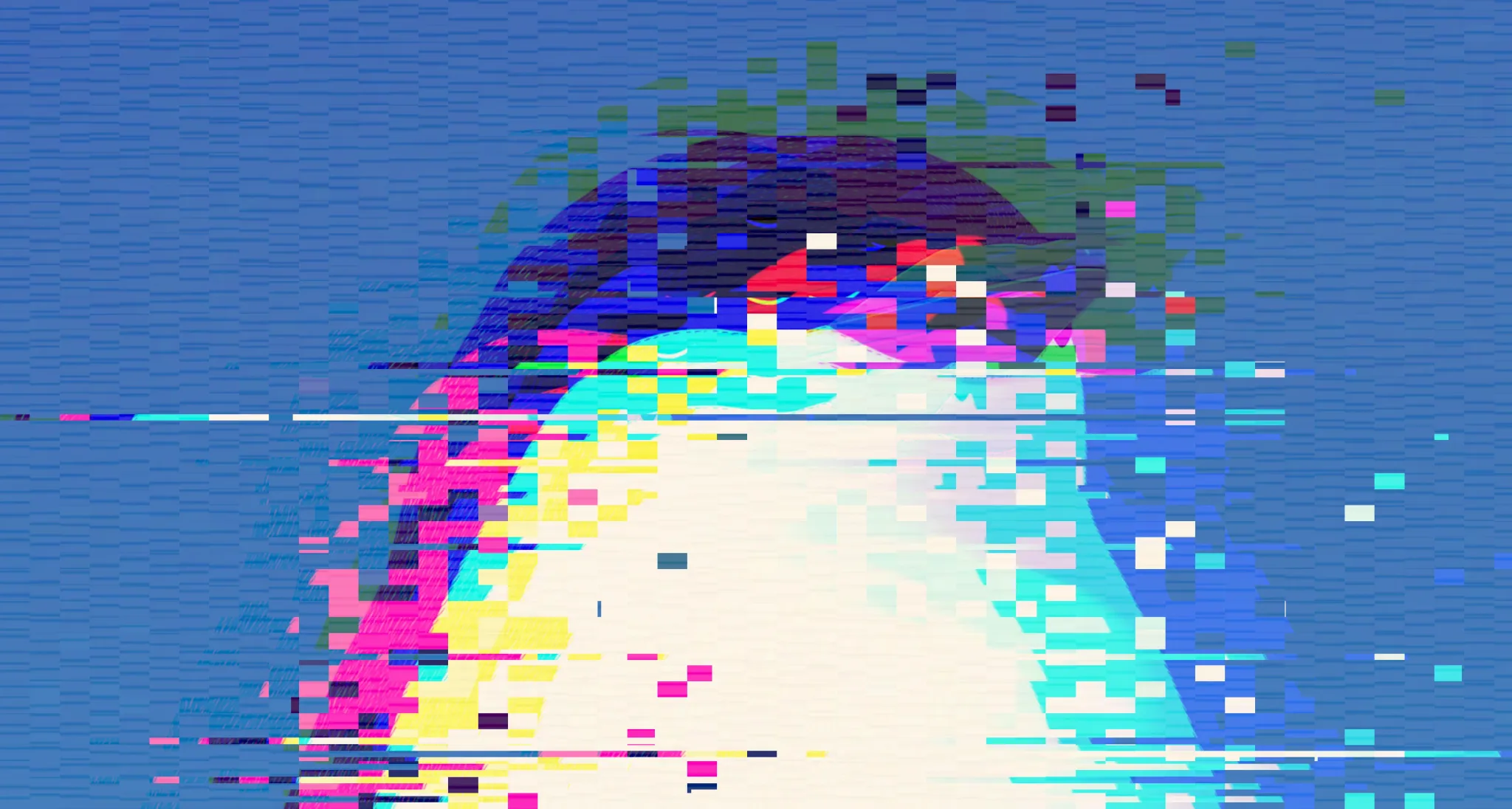
Block artifacts appear as rectangular chunks that freeze, shift, or show wrong colors. Digital corruption is blocky and hard-edged.
Color channel separation still happens, but for different reasons. Digital compression processes channels separately, so corruption can affect red, green, and blue independently.
Pixelation occurs when the decoder doesn't have enough data for full resolution, falling back to larger blocks of averaged color.
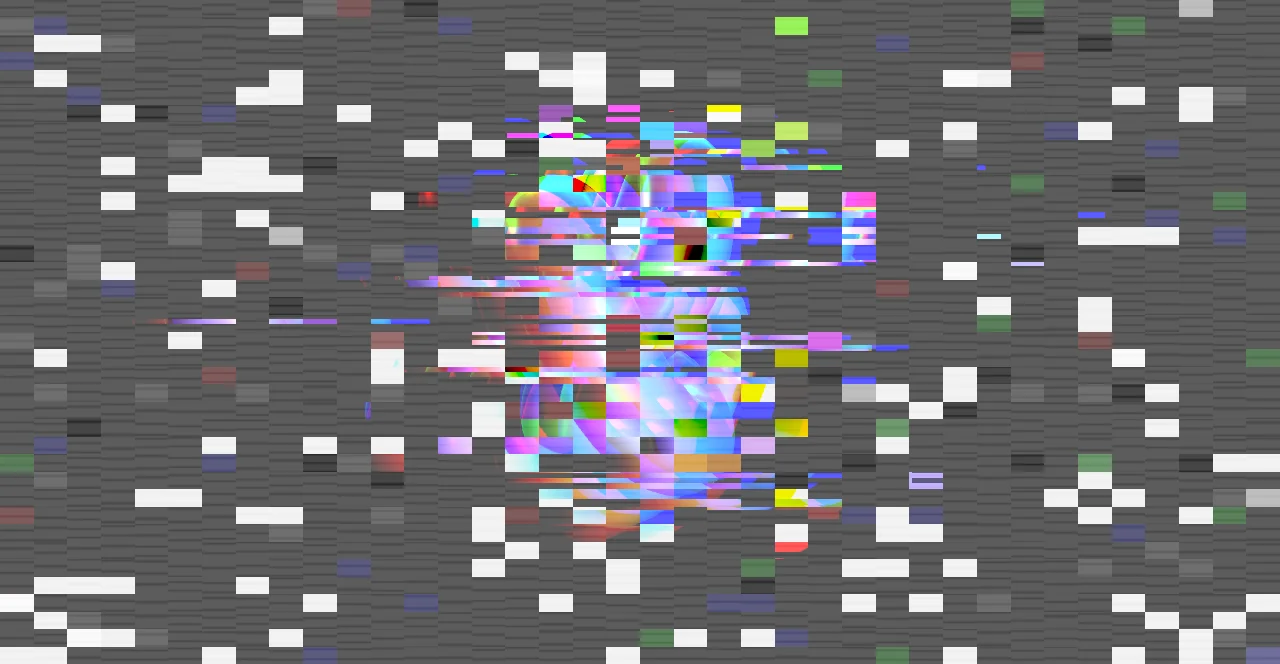
Block corruption with pixelation and line tears
Try digital glitch effectDatamoshing and compression abuse
The most interesting digital glitches come from deliberately abusing video compression.
Codecs like H.264 don't store every frame completely. They store keyframes (I-frames) with full image data, then delta frames (P-frames and B-frames) that only record what changed.
Datamoshing happens when you remove keyframes, forcing the decoder to apply motion data to the wrong reference image. Objects from previous shots "flow" into new scenes. Faces melt into backgrounds.
This isn't random corruption—it's the codec doing exactly what it's supposed to do, just with the wrong data.
// Digital block displacement
// Randomly samples from different parts of the image
float blockCount = 8.0 + blocks * 60.0;
vec2 blockCoord = floor(uv * blockCount);
float rand = chaoticHash(blockCoord, time);

if (rand > threshold) {
  // Sample from a different part of the image entirely
  float offsetX = (rand - 0.5) * displacement * 0.5;
  float offsetY = (rand - 0.5) * displacement * 0.3;
  texCoord += vec2(offsetX, offsetY);
}
The block-based approach is key. Digital glitches snap to a grid.
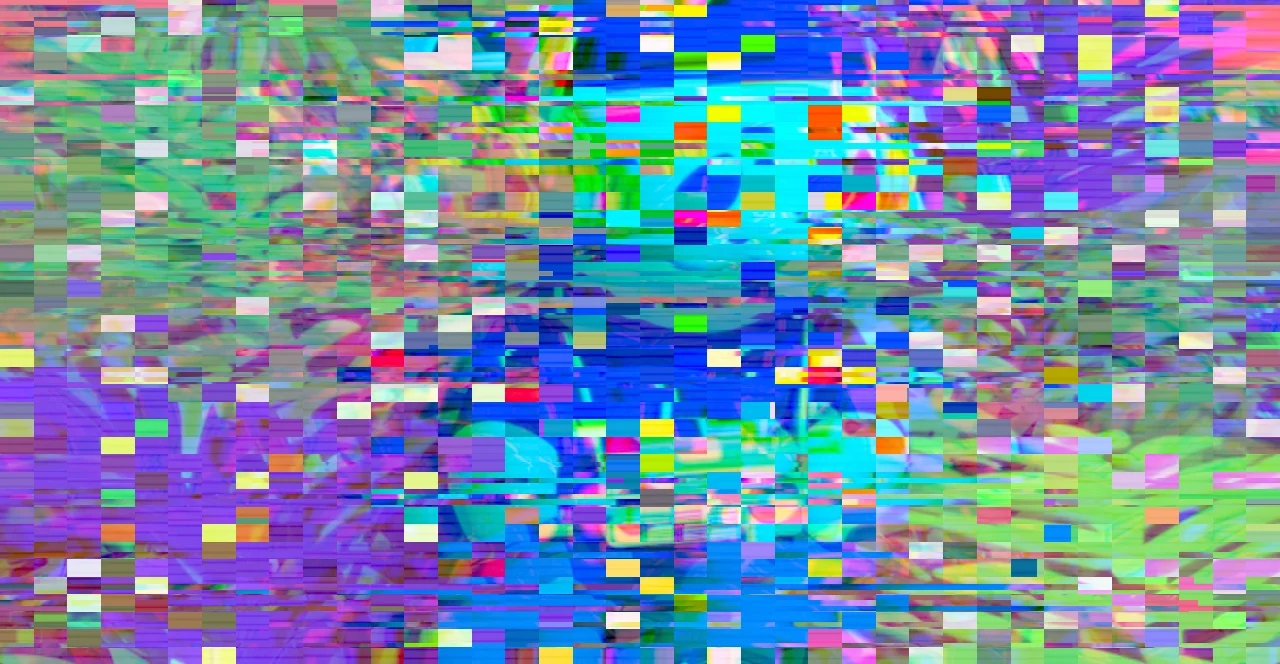
Chromatic aberration
Chromatic aberration isn't technically a glitch—it's an optical effect where different wavelengths focus at different points. Old lenses had it, cheap cameras have it, and somehow it became shorthand for "something's wrong."
In glitch art, we exaggerate it. The RGB channels are offset from each other, creating color fringing.
The effect is stronger at edges and corners—where real aberration is worst. A flat offset looks fake. Radial offset from center looks natural.
// Chromatic aberration with radial falloff
vec2 direction = uv - 0.5;
float dist = length(direction) * 0.7;
vec2 offset = dist * normalize(direction) * rgbShift;

float r = texture2D(input, uv + offset).r;
float g = texture2D(input, uv).g;
float b = texture2D(input, uv - offset).b;
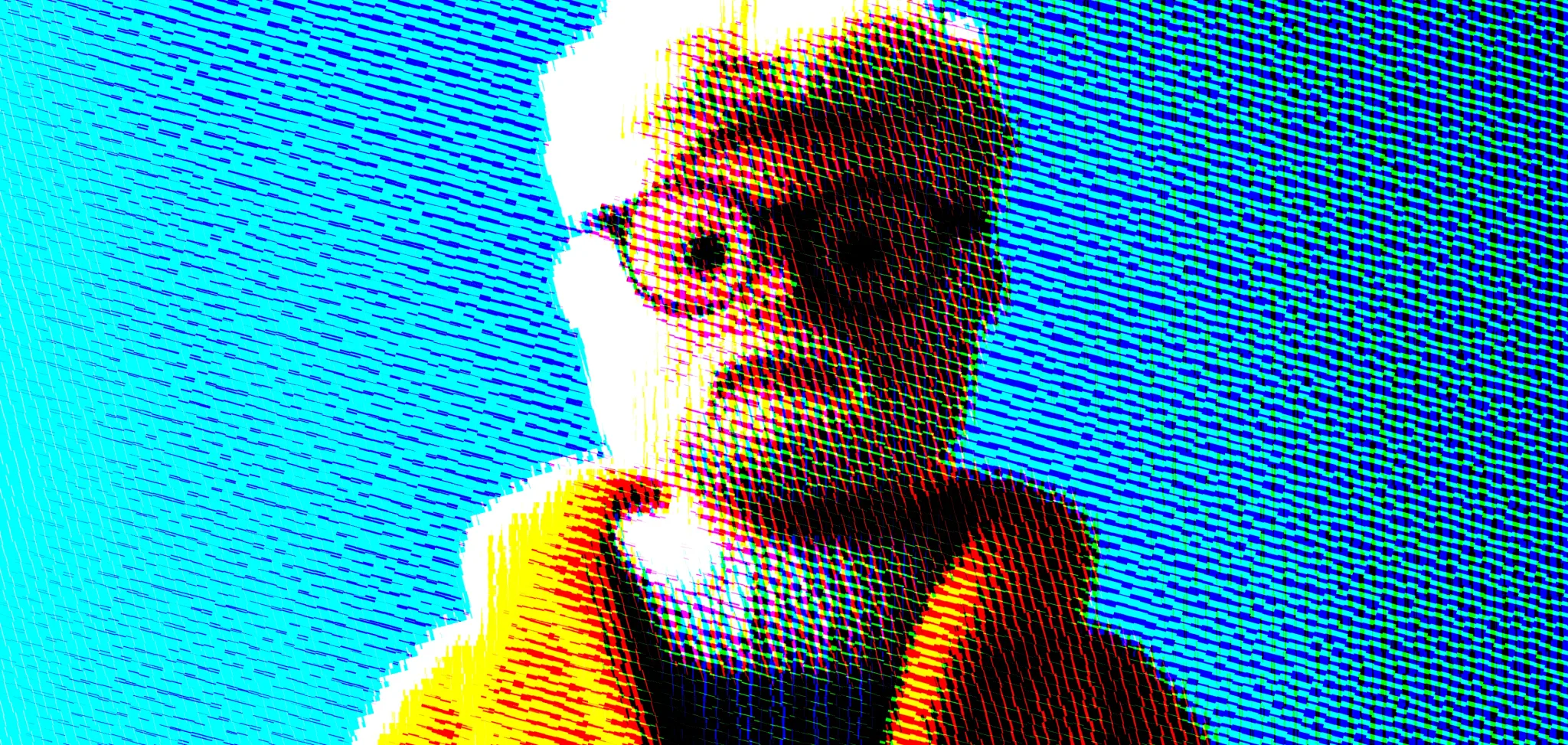
RGB channel separation with rotated patterns
Try chromatic aberration
The weird zone
Some glitch effects don't try to simulate any real-world phenomenon. They just look interesting.
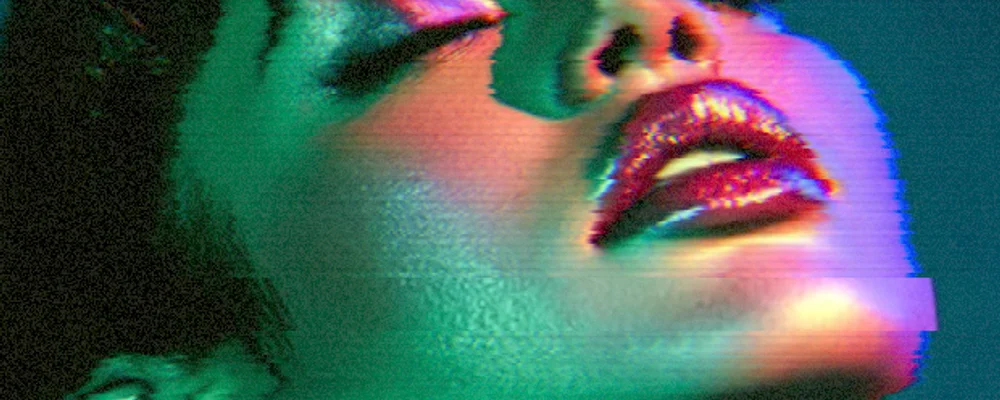
The "weird" glitch combines random horizontal slices, color flashes, local warping, and horizontal flips. It's what your brain imagines a computer malfunction looks like, even though real computers don't fail this way.
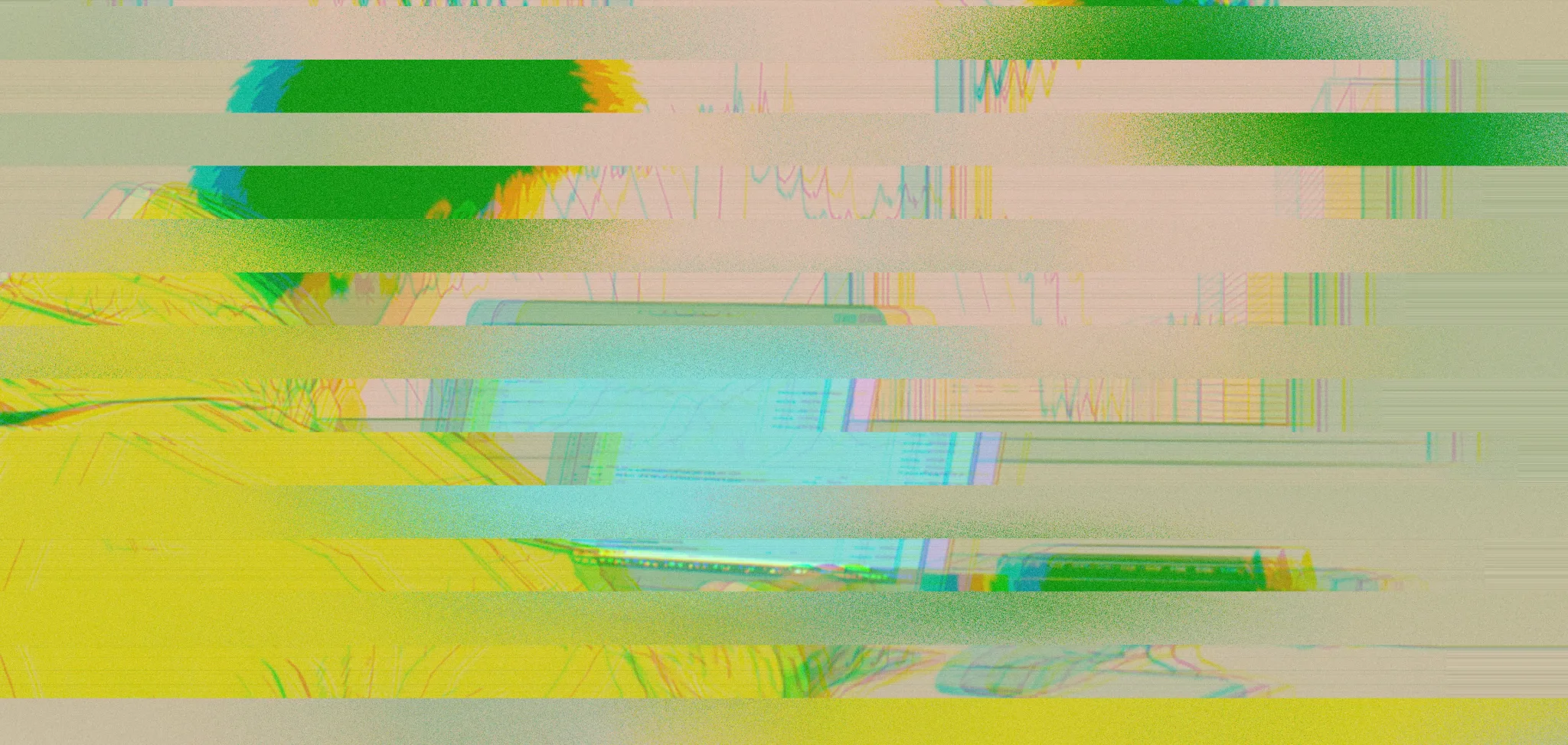
Chaotic distortion when everything goes wrong
Try weird glitch effectThese work because they follow an internal logic. Slices are horizontal (like scan lines), color shifts happen in bursts (like interference), and the timing is irregular but not random—calm between the glitches.
Why we like broken things
Glitch art shouldn't work. It's degraded on purpose. But people respond to it.
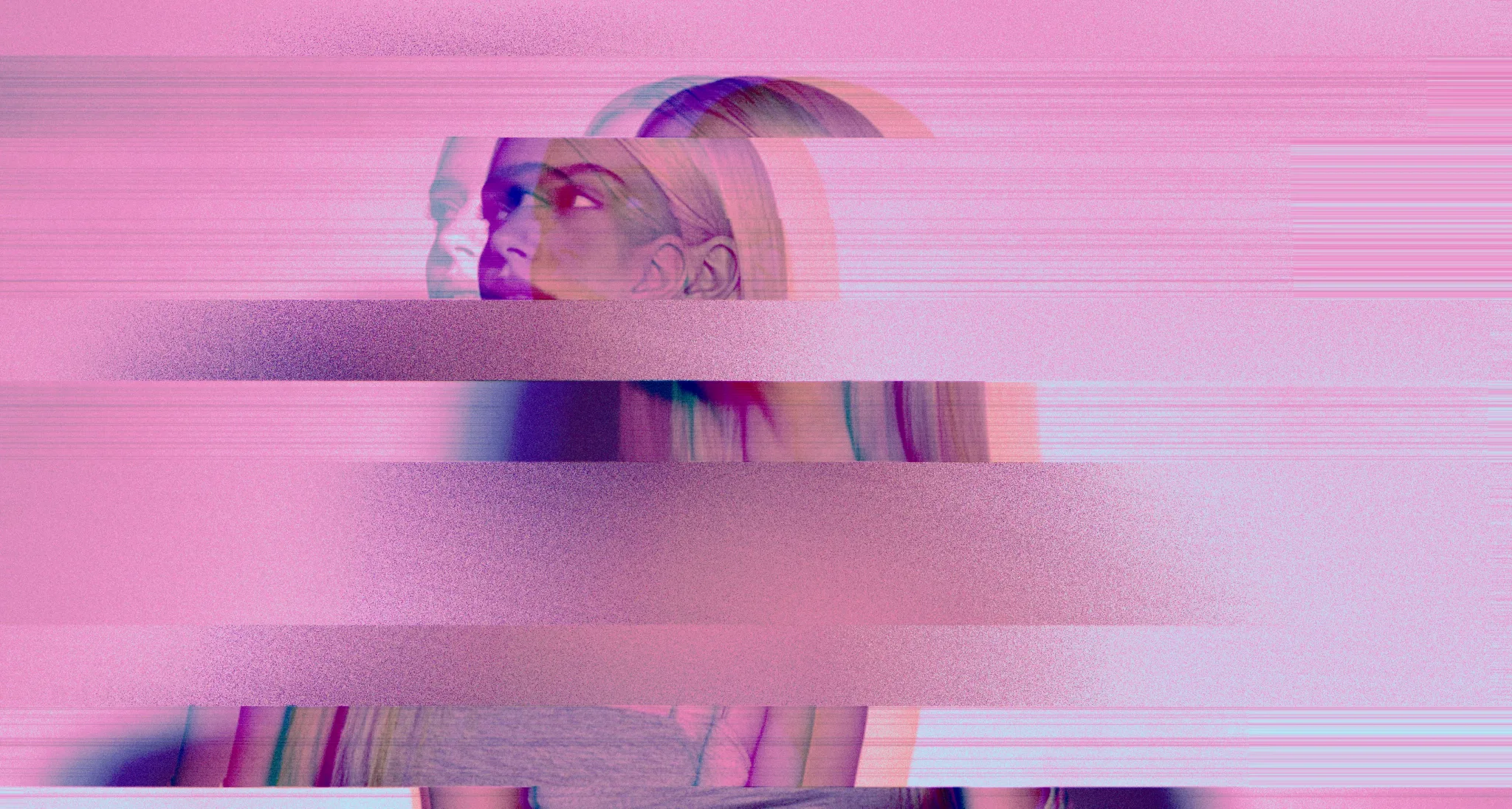
The nostalgia angle we already covered. Beyond that, imperfection reads as honest. Clean digital images feel optimized, committee-approved. A glitch suggests the image has been through something—has a history, even if that history is manufactured.
And visually: glitches break up smooth gradients and clean edges. A clean image sits there. A glitched one feels like it's still happening.
Implementing glitches
In Efecto, all glitch effects run as GPU fragment shaders. Each pixel is processed independently—real-time, even on complex scenes.
The key techniques:
Coordinate distortion: Modify UV coordinates before sampling. Shifts, tears, and warping without changing the underlying image.
Channel separation: Sample RGB from slightly different positions.
Time-based randomness: Noise functions seeded with time for smooth variation. Pure random looks jittery; temporal continuity looks natural.
Block-based processing: Divide the image into cells and apply effects per-cell for that hard-edged digital look.
// Combined approach: VHS-style effect
void mainImage(in vec4 inputColor, in vec2 uv, out vec4 outputColor) {
  float t = time * speed;
  vec2 texCoord = uv;

  // Vertical bar distortion (tracking errors)
  texCoord.x += verticalDistortion(texCoord.y, t);

  // Noise displacement (tape wear)
  texCoord.x += noise(texCoord.y, t) * noiseStrength;

  // RGB separation
  float r = texture(input, texCoord + rgbOffset).r;
  float g = texture(input, texCoord).g;
  float b = texture(input, texCoord - rgbOffset).b;

  vec3 color = vec3(r, g, b);

  // Scanlines
  color *= 1.0 - scanline(uv.y) * scanlineStrength;

  // Film grain
  color += (random(uv + t) - 0.5) * grainStrength;

  outputColor = vec4(color, 1.0);
}
Try it yourself
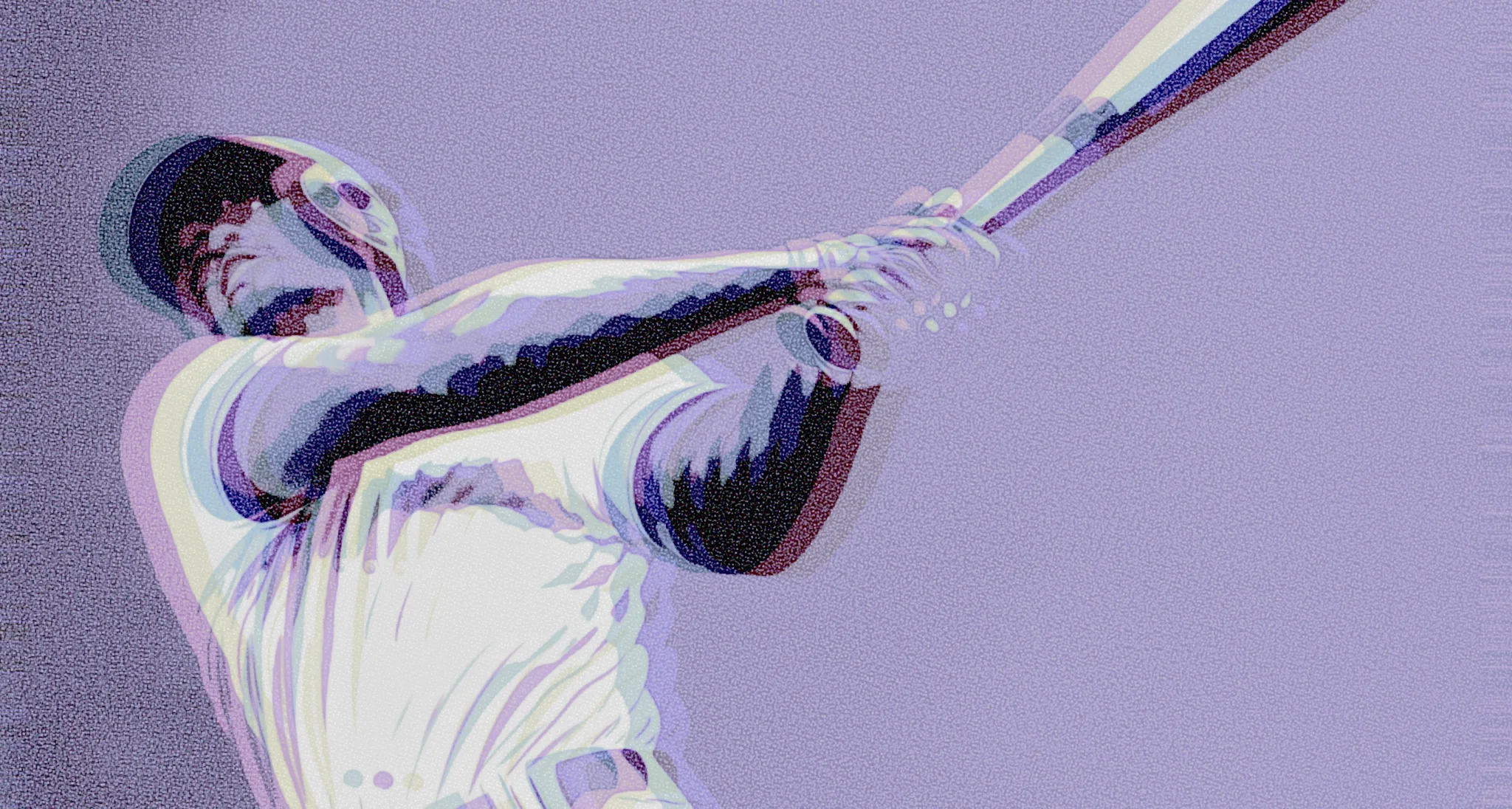
Each glitch type has its own character:
 OriginalDithered
VHS Nostalgia
Classic analog tape distortion. Warm, fuzzy, nostalgic.
 OriginalDithered
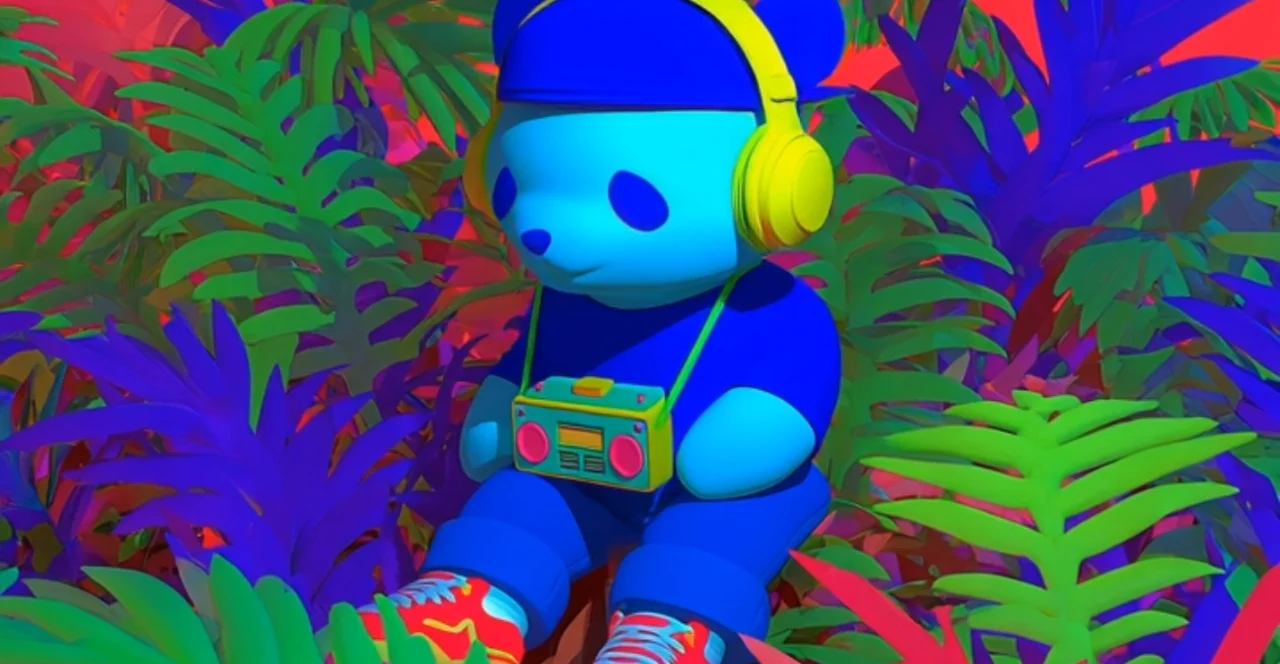
Digital Corruption
Block-based artifacts. Hard edges, pixelation, channel shifts.
 OriginalDithered
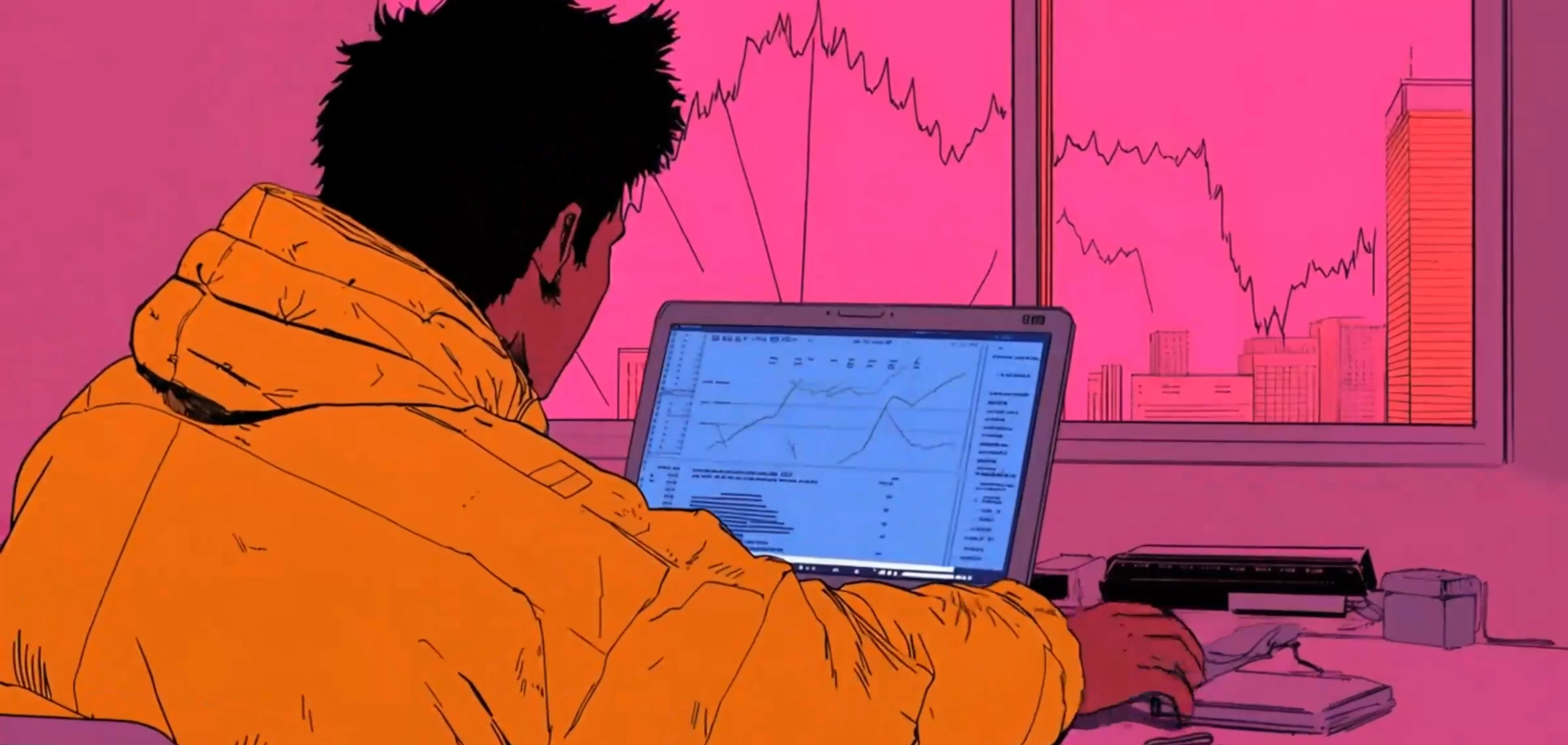
Chromatic Split
RGB separation with radial falloff. Subtle or extreme.
 OriginalDithered
All Wrong
When you want everything to go wrong at once.
Create glitch effects
Open EfectoFurther reading
History:
- The Aesthetics of Failure - Kim Cascone's seminal paper on glitch aesthetics
- A History of VHS - IEEE Spectrum on how magnetic tape shaped video culture
- NTSC Color System - Why analog color video was so complicated
Technical:
- H.264 Codec Explained - How modern video compression works
- Understanding Datamoshing - Techniques for deliberate compression abuse
- Analog Video Signals - Technical overview of how analog video worked
Visual:
- Glitch Artists Collective - Community of glitch art practitioners
- Rosa Menkman's Vernacular of File Formats - Academic study of compression artifacts