What is ASCII Art?
A quick look at how text characters become images, from 1960s teletypes to modern real-time rendering.
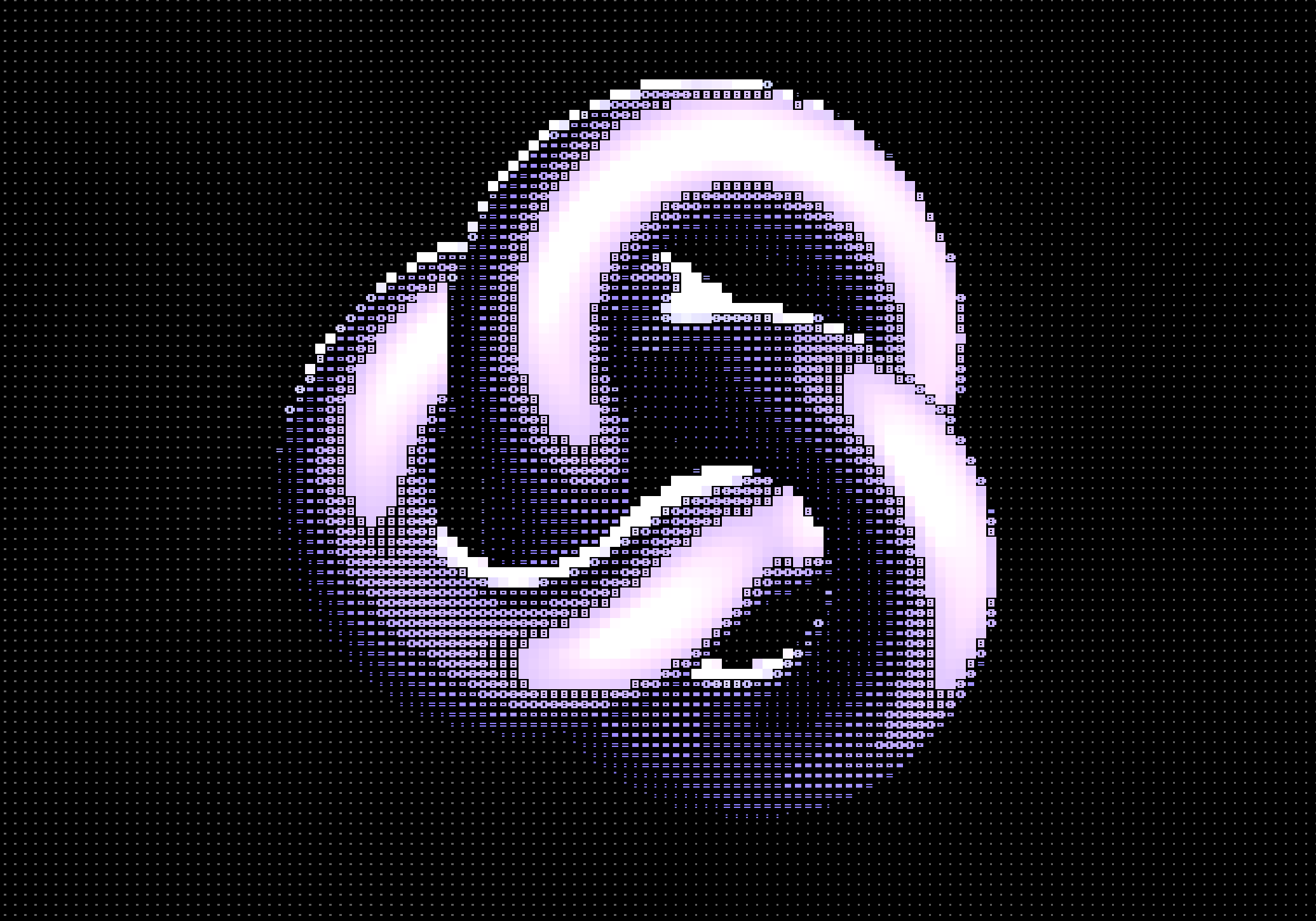
You've probably seen it before. Images made entirely of text characters. That's ASCII art.
It started as a workaround. Early computers couldn't display graphics, only text. So people got creative and used letters as pixels. An @ for dark areas, a . for light ones. What began as a limitation became its own thing.
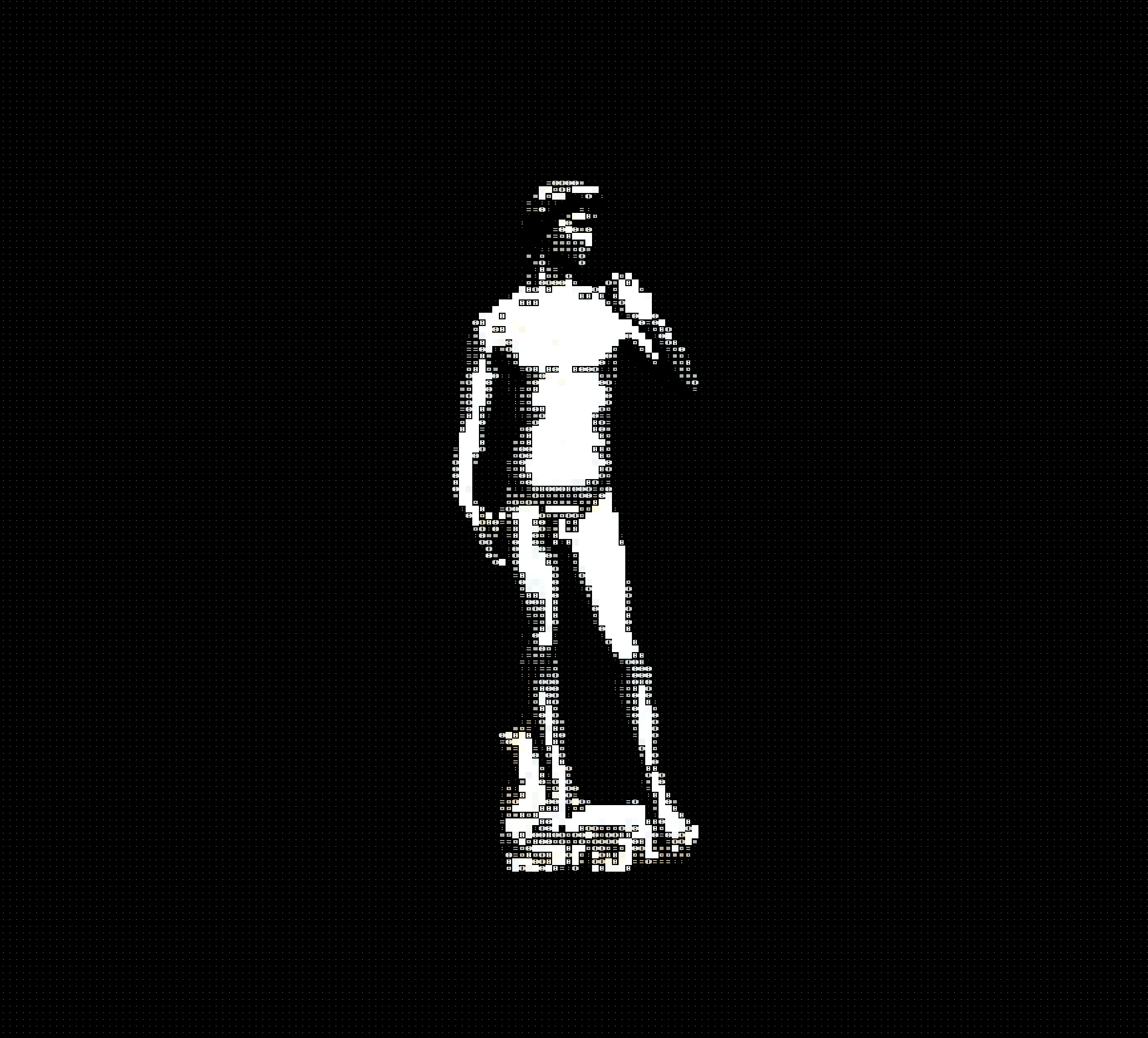
How ASCII conversion works
The basic idea is pretty simple:
- Take any image and divide it into a grid of small cells
- Measure the average brightness of each cell
- Replace each cell with a character that matches that brightness level
Dense characters like @, #, or W represent dark areas. Sparse characters like ., :, or a space represent light areas. Your brain fills in the gaps. It sees the patterns and reconstructs the image.
Here's a typical brightness-to-character scale, from darkest to lightest:
@%#*+=-:.
The character set you choose changes a lot. Blocks feel bold and graphic. Classic ASCII feels nostalgic. You can use pretty much any characters you want, and each set creates a different texture.
See how block characters create a bolder, more graphic look
Try block charactersWhy constraints make things interesting
There's something satisfying about working within limits. When you reduce an image to just text characters, you strip away all the noise. What's left is contrast, form, the essential shapes that make something recognizable.
It's a bit like sketching with a thick marker. You can't capture every detail, so you have to decide what matters.
Different styles to try
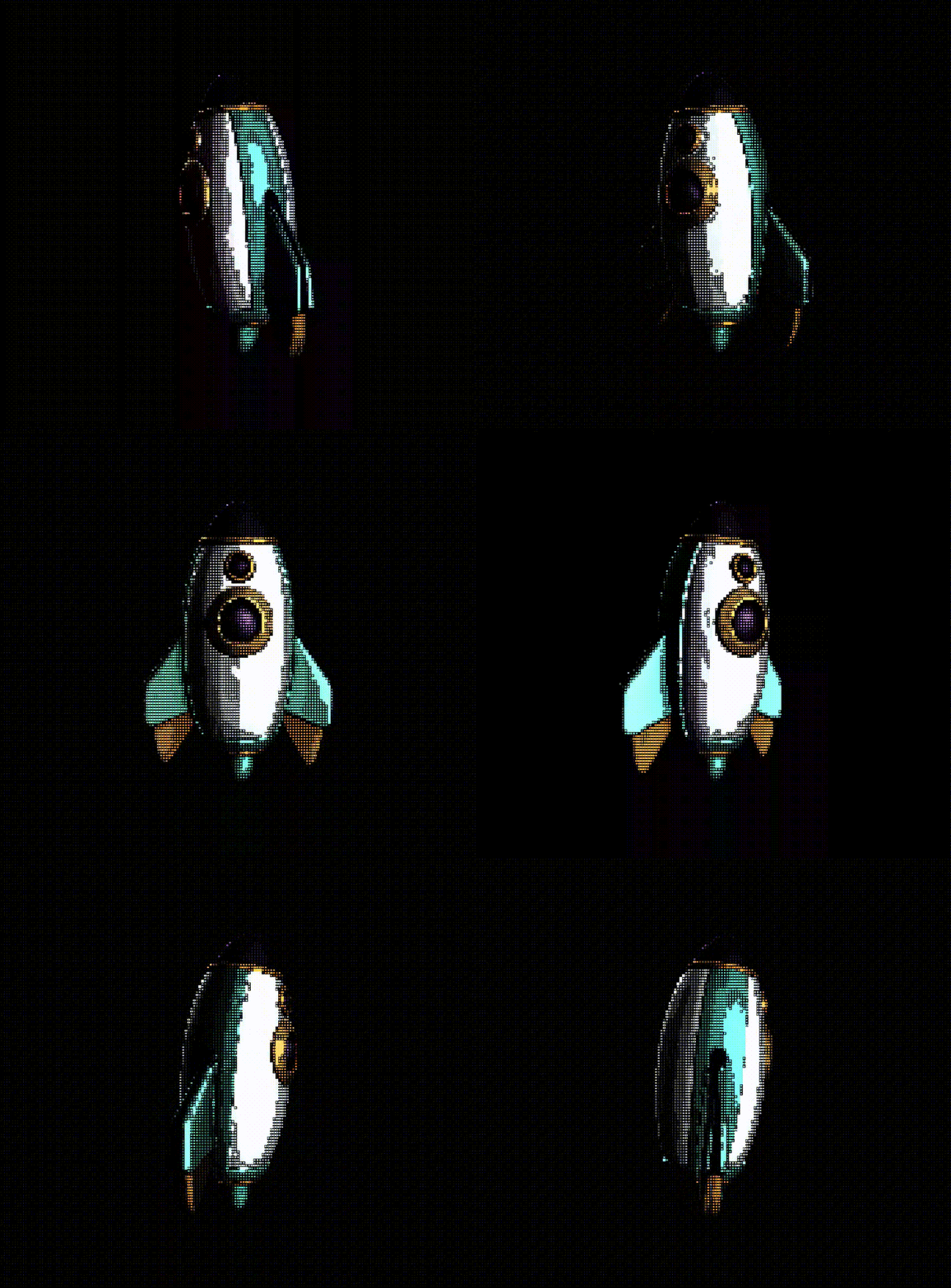
ASCII art isn't one thing. There are a few different approaches:
- Classic ASCII uses traditional characters like
@#%*+-:.for that old-school terminal look - Block characters use Unicode blocks
█▓▒░for a denser, more graphic feel - Custom sets let you use any characters you want
- Colored ASCII keeps the original colors while converting to characters
Classic ASCII feels like a 1980s BBS. Blocks feel more modern, almost like pixel art.
Try it yourself
The best way to understand ASCII art is to play with it. Drop any image, video, or 3D model into Efecto and adjust the settings:
- Cell size controls how much detail you get. Smaller cells means more detail, larger cells means more abstract.
- Character set changes the texture and feel
- Invert flips the brightness mapping, useful for different backgrounds
Create great dither, shaders, or ASCII art now
Open Efecto